Unique table QR codes
Connect each digital menu link to the correct restaurant table and order context.
SOFTWARE FEATURES
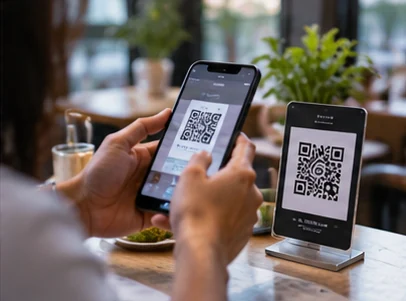
Give each table a QR code for a digital menu and self-ordering experience, with quantity and notes.
WHAT THIS INCLUDES
Give each table a QR code for a digital menu and self-ordering experience, with quantity and notes.
Connect each digital menu link to the correct restaurant table and order context.
Allow guests to browse organized product categories on their own phones.
Support quantities and item-specific guest notes before a table order is submitted.
Keep digital requests associated with the selected table so staff can identify their source.
Present customer-entered requests inside the staff order workflow for preparation and billing.
Use a responsive menu layout suited to mobile screens without requiring an app installation.
IN PRACTICE
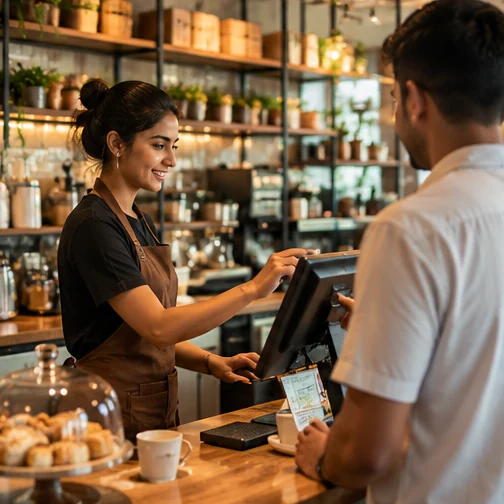
Customer self-ordering should be configured for the restaurant’s actual table and menu setup.
OPERATIONAL DETAIL
DineZA links a QR code to the table so guests can browse a digital menu and send an order with notes.
Scan the table code, browse categories, select quantities and add special instructions.
Link the incoming request to the correct table and route it into the operational order flow.
Restaurants control their published menu, pricing and how guest orders are handled by staff.
SOFTWARE INTERFACE
Screenshot captured from the working interactive demo. Sample data is shown.
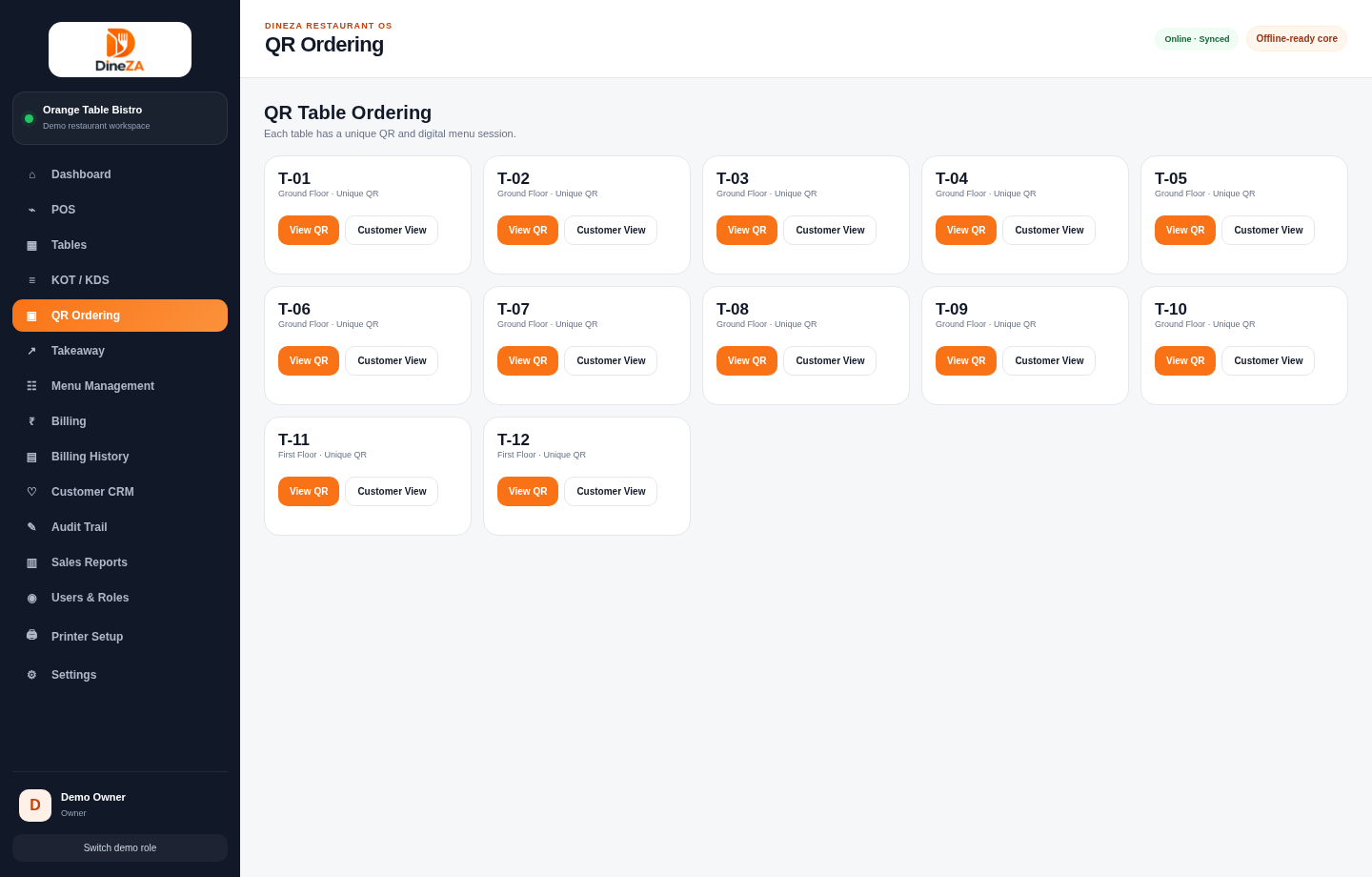
Navigate the demo to explore the available tools and screen relationships. No account or software installation is needed.
Launch interactive demo ↗A clearer next step
Explore the product with our team and discuss how it fits your operation.